
Shared household finance
Shared household finance without the clutter.
Dunio brings shared expenses, net worth, and recurring payments into one calm Android workspace that is clear, fast, and easy to maintain.
Workflow
From sign-in to shared finance in three steps.
Dunio keeps the setup simple: sign in, connect a household, and track everything together.
- 01
Sign in with Google
Use a familiar sign-in flow and keep your session ready on your Android device.
- 02
Create or join a household
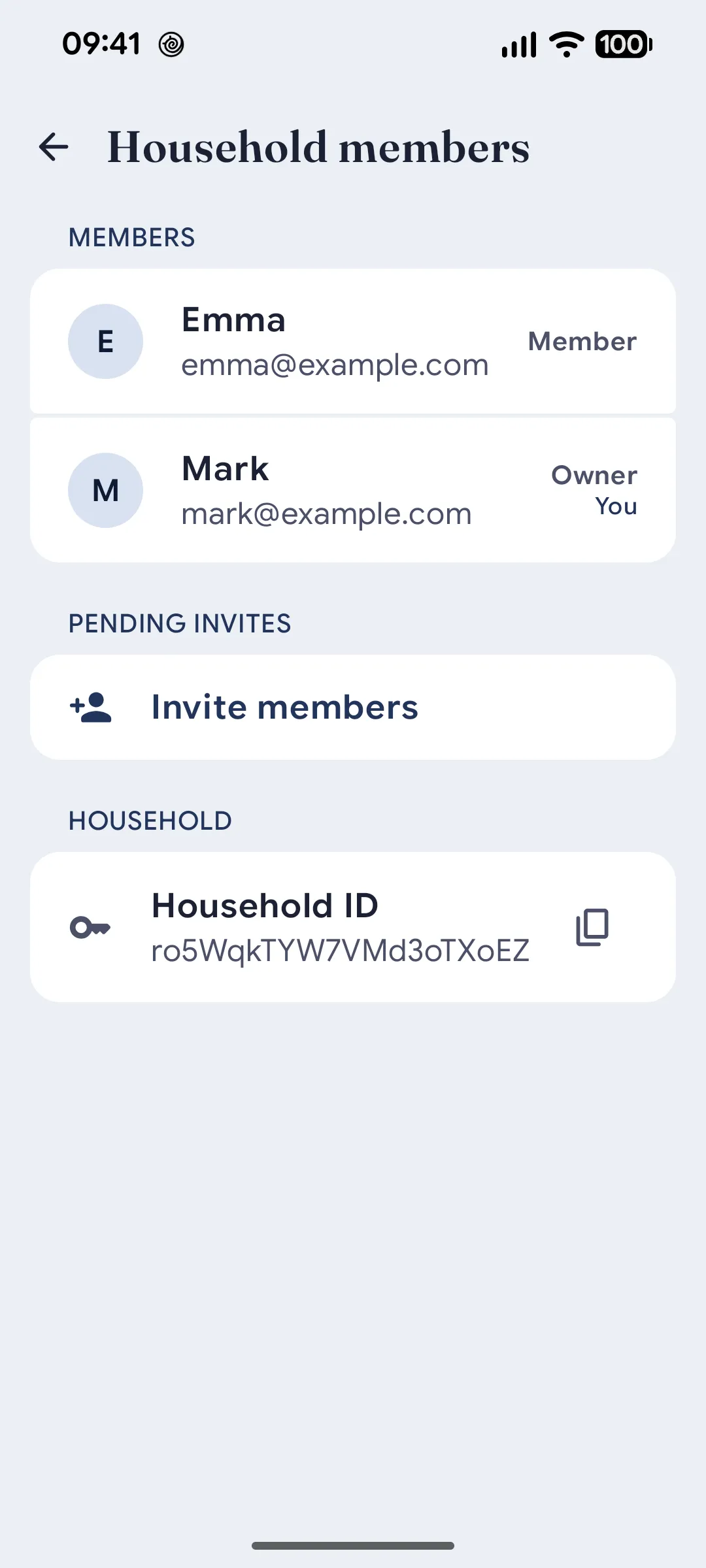
Start a new shared household or join an existing one with invite plus household ID.
- 03
Track everything together
Assets, transactions, recurring payments, widgets, and the dashboard stay aligned.
Screens
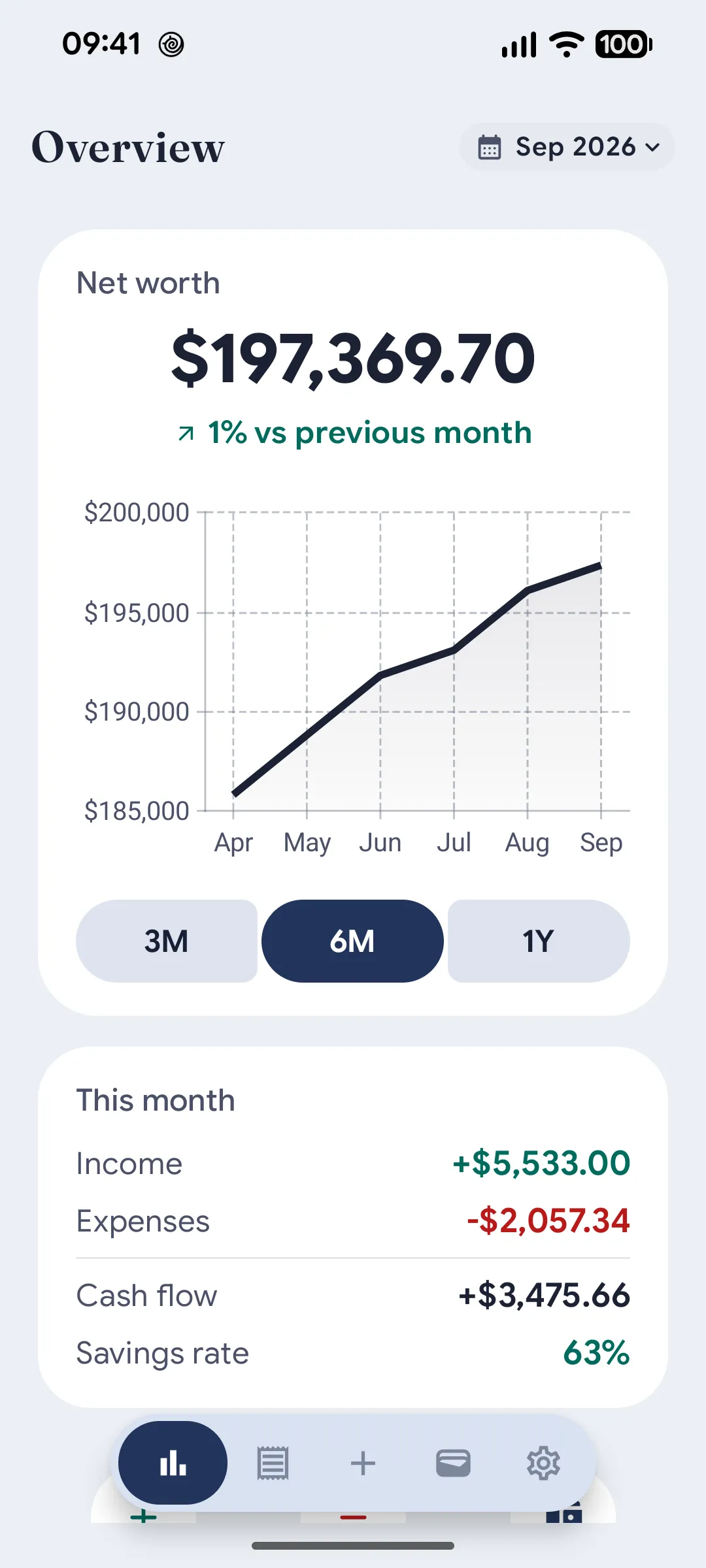
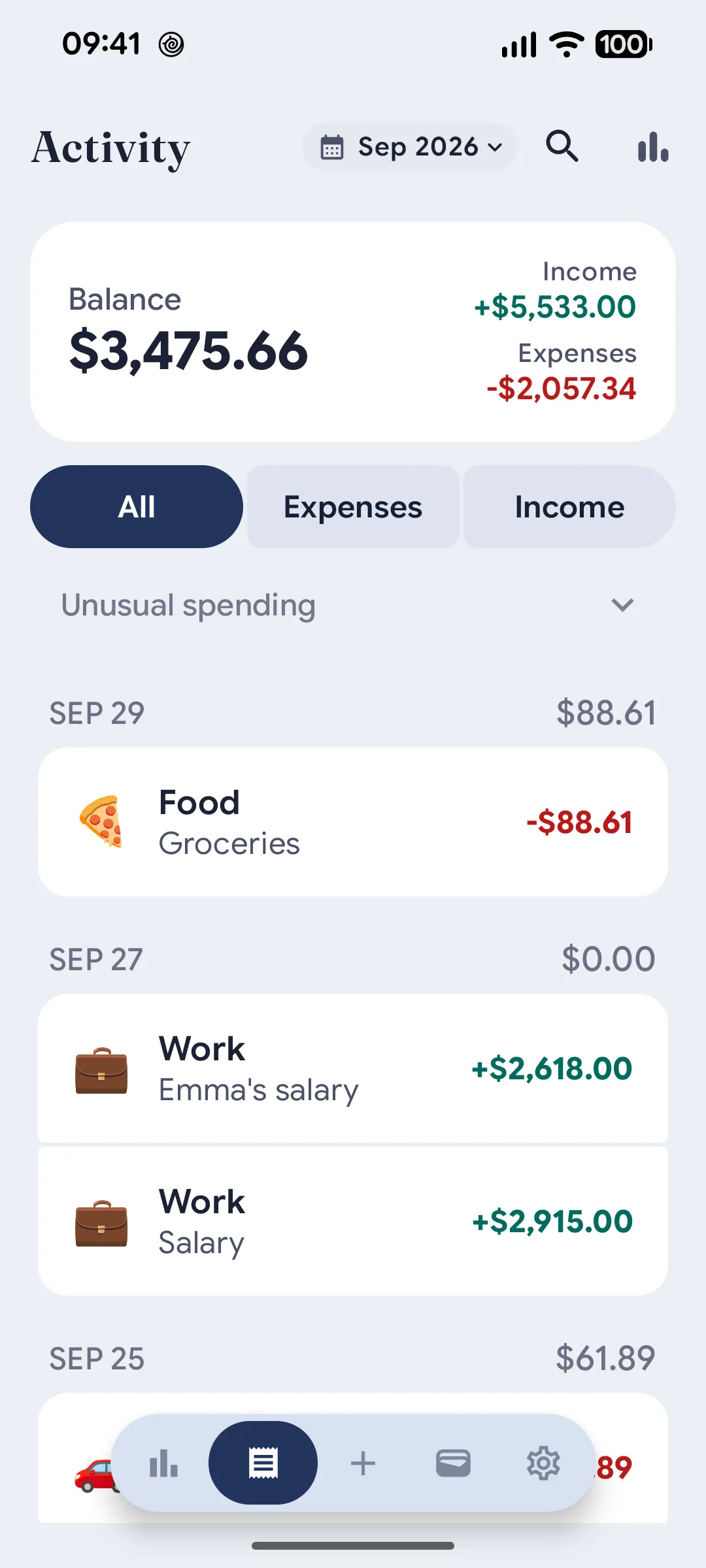
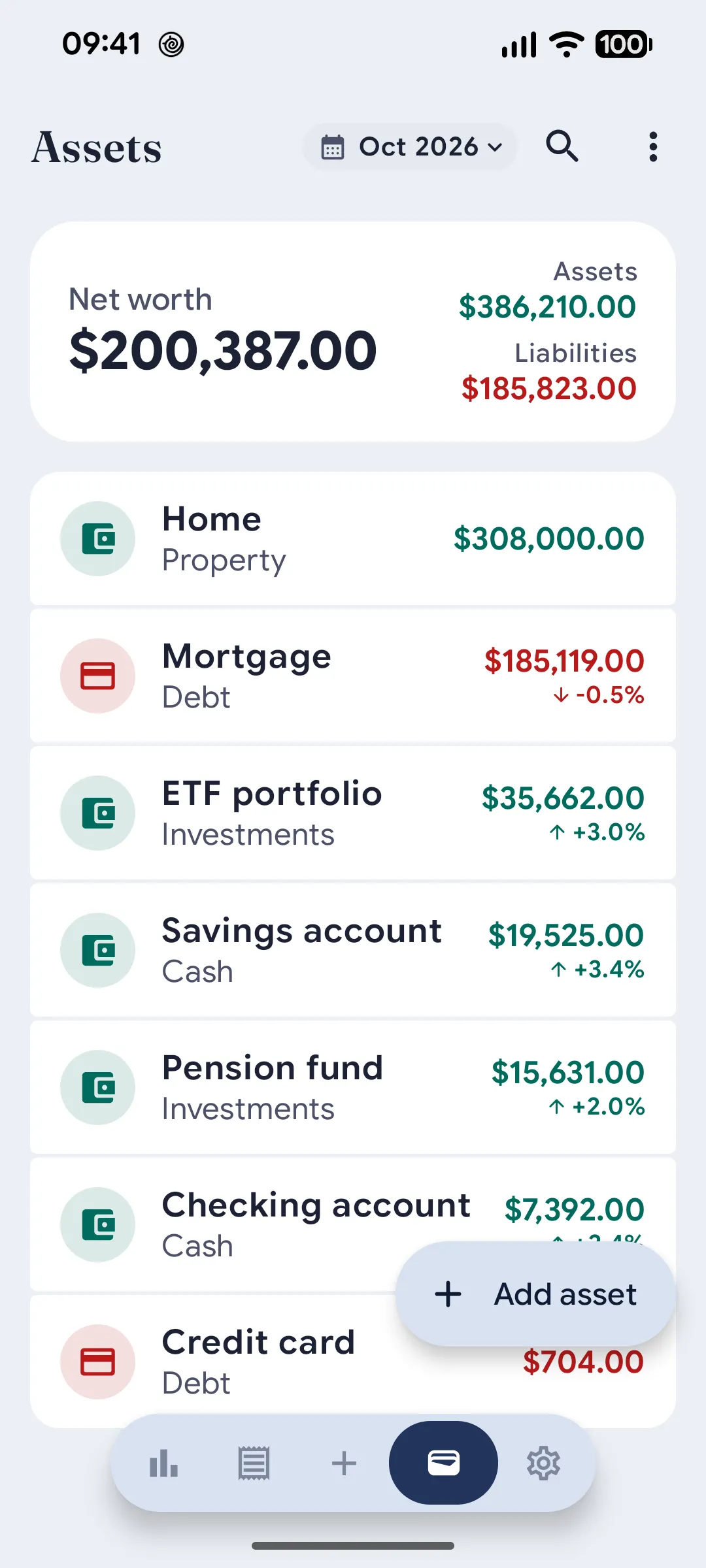
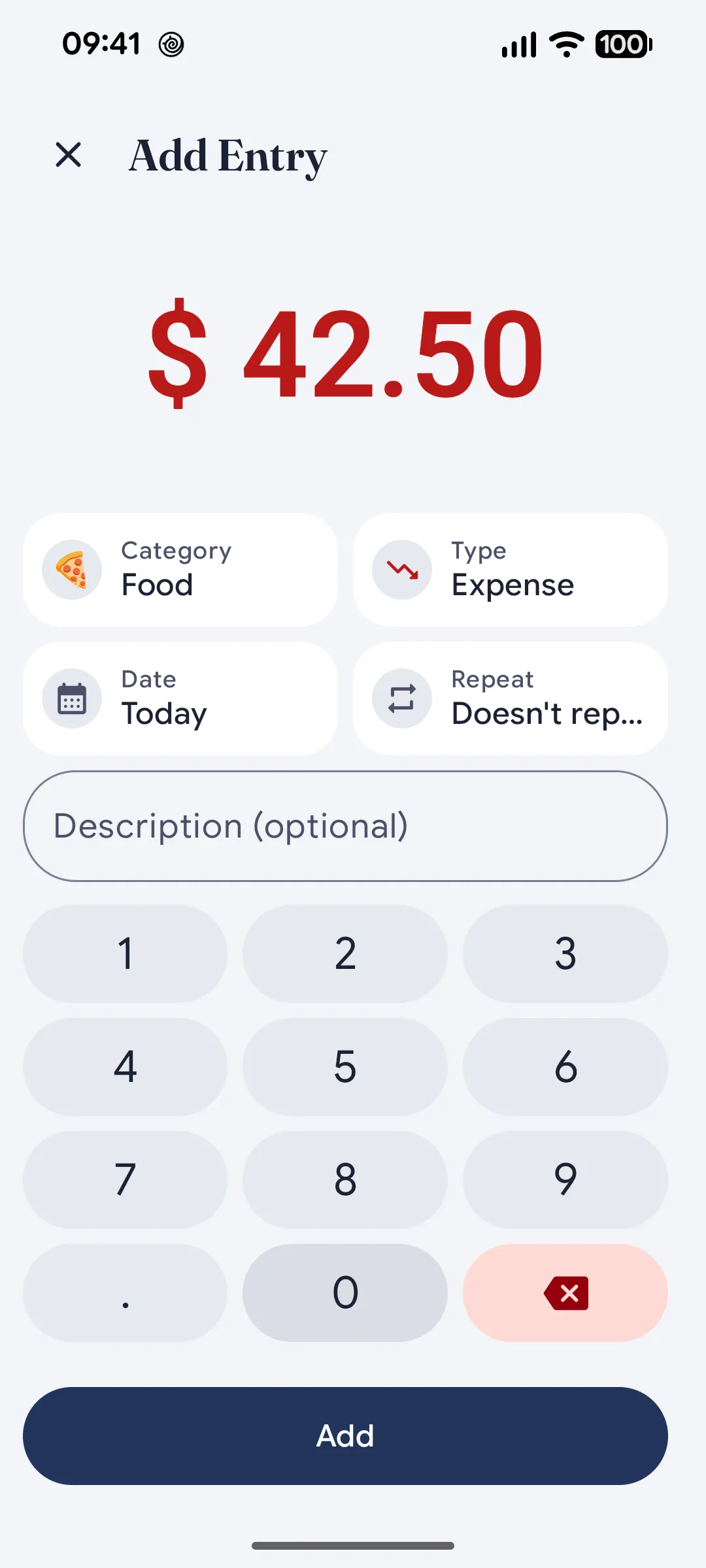
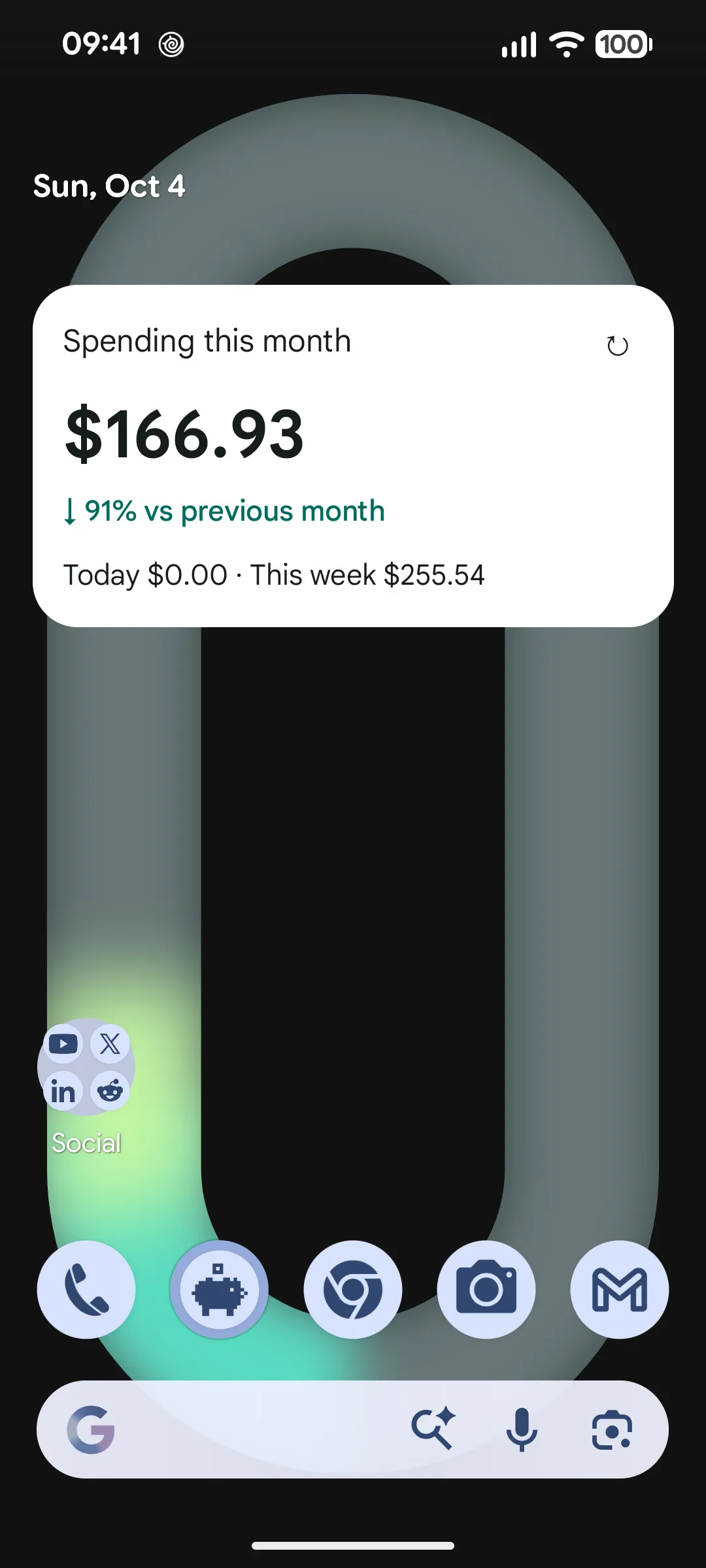
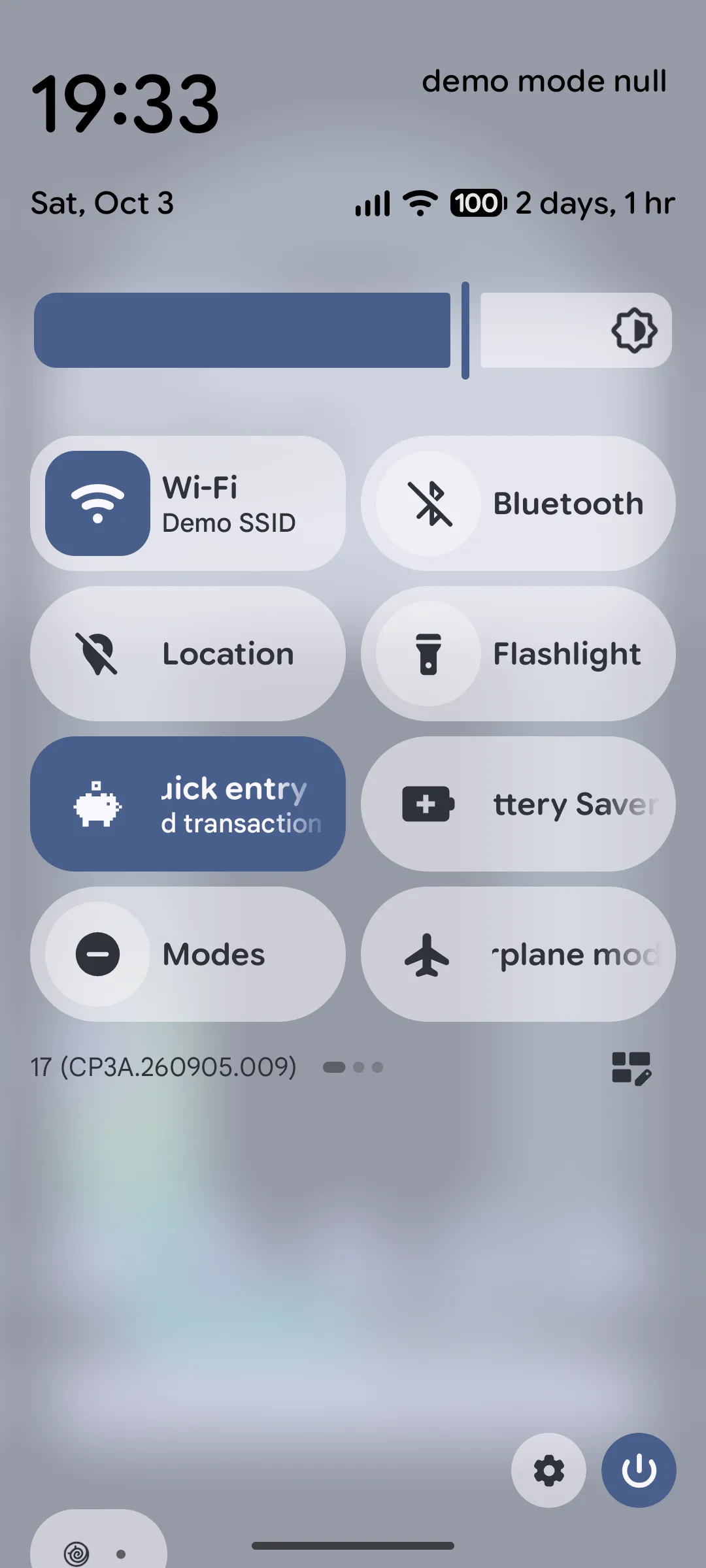
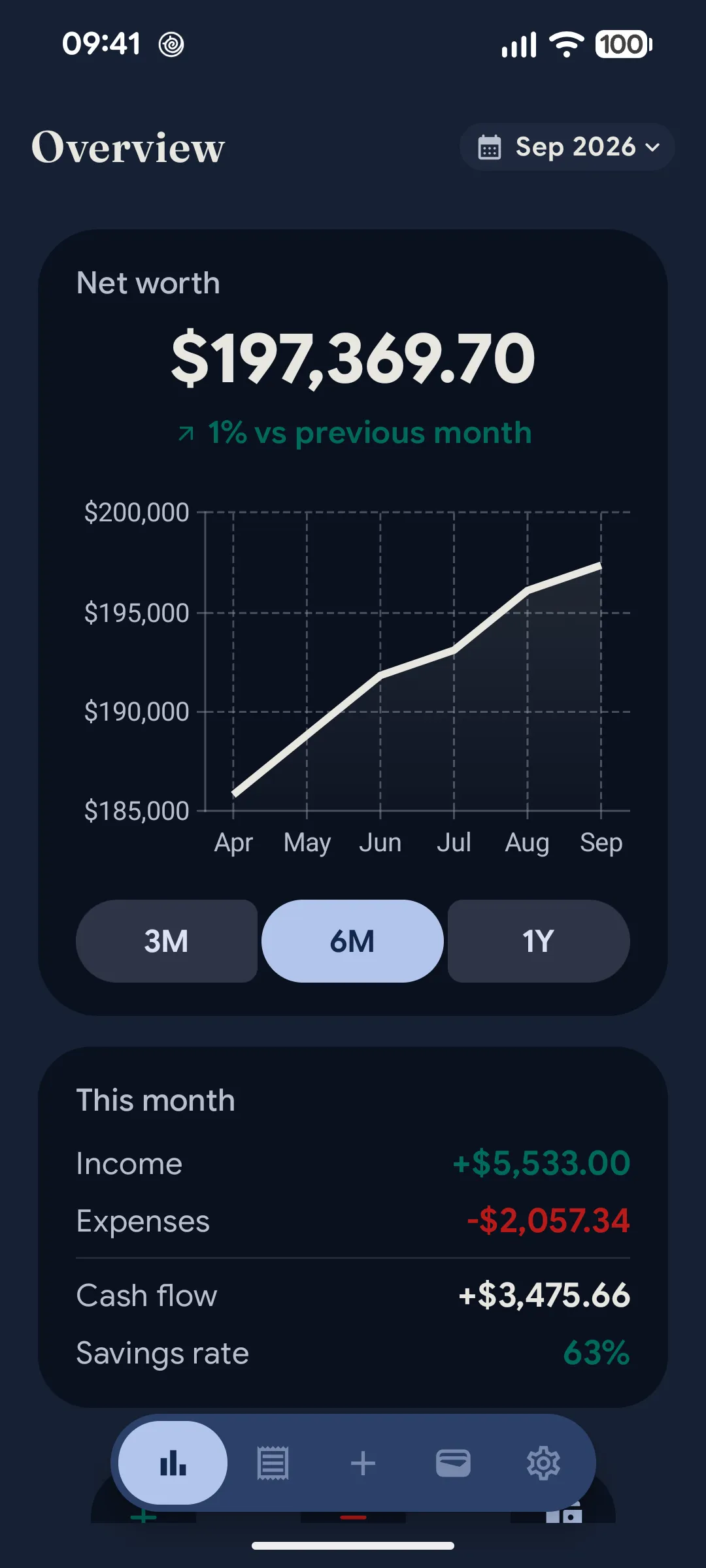
See how Dunio works in real life.
These are real Android screens from the app, focused on the features people actually come for first.
Wear OS
Add an expense from your wrist.
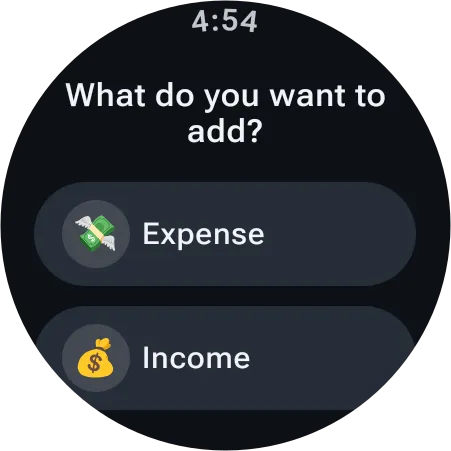
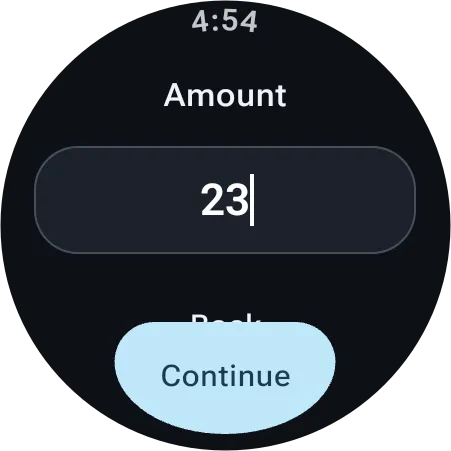
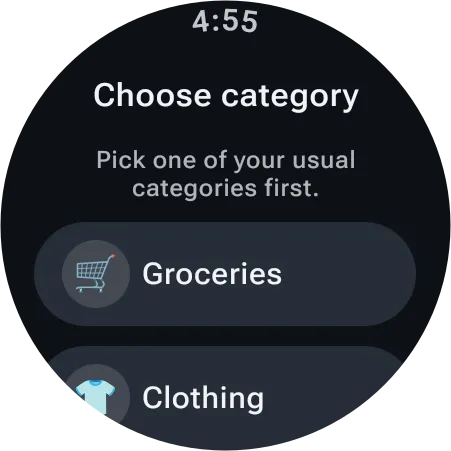
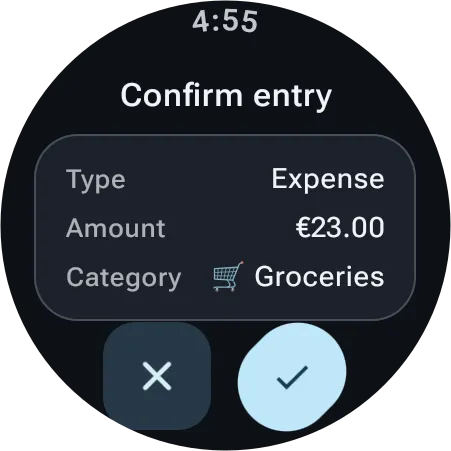
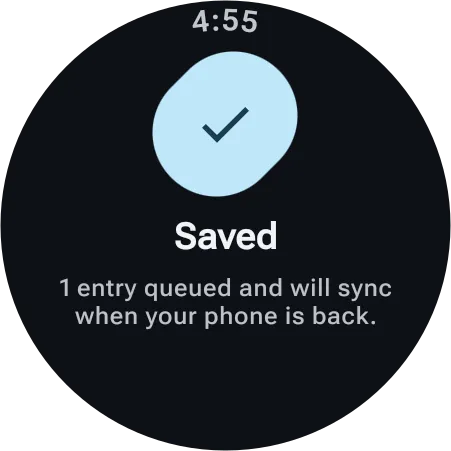
The Wear OS companion app records an expense or income in four steps: type, amount, category, confirm. It works with Dunio on your paired phone, and entries saved while the phone is out of reach sync as soon as it is back.
- 01Expense or income
- 02Enter the amount
- 03Pick a category
- 04Confirm
- 05Syncs through your phone
FAQ
Questions people usually have before trying Dunio.
A few quick answers about pricing, platform and shared household access.
Is Dunio free to use?
Yes. Dunio is free to use.
Is Dunio available on Google Play?
Yes. Dunio is available on Google Play.
How does shared household access work?
Each person signs in with Google, then creates a household or joins an existing one. People in the same household share the same finance data.
Does Dunio work on a smartwatch?
Yes. Dunio has a Wear OS companion app for quick entry: add an expense or income from your watch in a few steps. It needs Dunio on your paired Android phone, which saves the entry to your household.
Can I support the project?
You can support ongoing development through Buy Me a Coffee.
Guides
Explore the main ways people discover Dunio.
Browse the core pages around shared budgeting, expenses, and net worth tracking for couples and households.
- Couples Budget AppA lighter approach to shared budgeting for two people.
- Couples Budget CalculatorCompare a 50/50 split with an income-based split of shared expenses.
- Net Worth Tracker for CouplesConnect daily spending with long-term net worth visibility.
- How to Calculate Net Worth as a CoupleLearn the net worth formula, what assets to include, and how to track them.
- How to Split Shared ExpensesCompare the main ways to split shared costs and pick the fairest one.
- Dunio vs YNABA simpler, lightweight shared finance alternative without the envelope setup.
Get started
Ready to track finances together?
Get the app on Google Play.